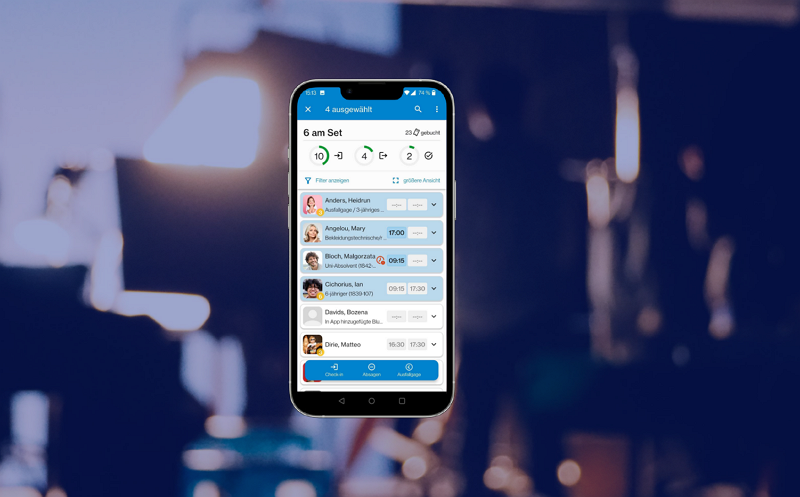
With Batch Mode in SETREX 2.5 you can now select and edit multiple extras at the same time! Simply choose "Selection Mode" from the menu and tap the desired employee cards one by one. Group selection is also possible. To mark all extras, tap "Select All" in the menu. In one go, you can check in or out, flag, or dismiss multiple or all extras. No more unnecessary overtime from queuing. Batch Mode saves not only time but also real money. Select, tap, done – it doesn't get faster or simpler than that!
Fast & Furious: SETREX Batch Mode
With Batch Mode in SETREX 2.5 you can now select and edit multiple extras at the same time!